Write in your browser
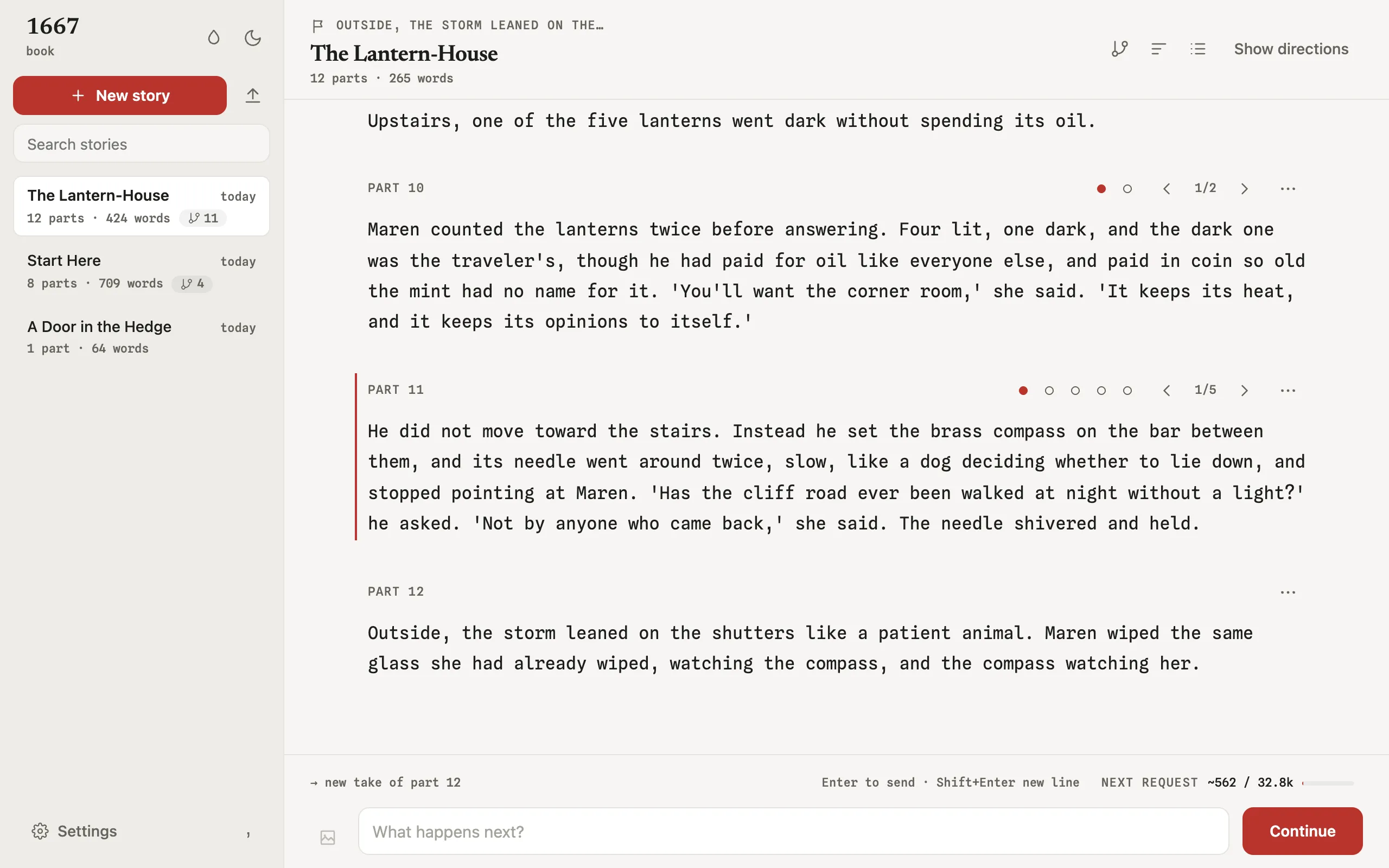
Run 1667 web in a project folder. Your stories open in a browser tab on this computer, with the takes, the map, and the keys of the terminal app. 1667.ai hosts nothing: the page comes from the program you install.
~/book $1667 web
1667 web: serving ~/book at http://127.0.0.1:53124/#token=…
Press Ctrl+C to stop.
01 / Start
Install, then run one command
The web UI is part of 1667. There is nothing else to download and no account to make.
curl -fsSL https://1667.ai/install.sh | shInstalls 1667 0.11.1. Supports macOS arm64/x64 and glibc 2.17+ Linux arm64/x64. Run 1667 upgrade for later managed releases.
powershell -ExecutionPolicy Bypass -c "irm https://1667.ai/install.ps1 | iex"Installs 1667 0.11.1 on Windows x64. Exit 1667 and run this command again to install a later release.
npm install --global @1667-ai/cli@latestNeeds Node 22. npm manages this installation. Use npm to install later releases.
git clone https://github.com/1667-ai/1667.gitcd 1667 && npm cicd tui && bun install --frozen-lockfile && bun startNeeds Bun 1.3.14 or later, and Node 22. Git manages this installation.
verify the installer first
This optional path needs GitHub CLI. It verifies version 0.11.1 before it runs the local file.
d=$(mktemp -d) && (trap 'rm -rf "$d"' EXIT && cd "$d" && gh release download v0.11.1 --repo github.com/1667-ai/1667 --pattern install-stable.sh && gh attestation verify install-stable.sh --hostname github.com --repo 1667-ai/1667 --signer-workflow 1667-ai/1667/.github/workflows/release-npm.yml --source-ref refs/tags/v0.11.1 --source-digest 711b3dc41a366169a8791c369177e514162cc695 --deny-self-hosted-runners && sh install-stable.sh)$d=Join-Path ([IO.Path]::GetTempPath()) ([Guid]::NewGuid()); New-Item -ItemType Directory -Path $d | Out-Null; try { gh release download v0.11.1 --repo 1667-ai/1667 --pattern install-stable.ps1 --dir $d; if ($LASTEXITCODE -ne 0) { throw 'GitHub release download failed.' }; gh attestation verify (Join-Path $d 'install-stable.ps1') --hostname github.com --repo 1667-ai/1667 --signer-workflow 1667-ai/1667/.github/workflows/release-npm.yml --source-ref refs/tags/v0.11.1 --source-digest 711b3dc41a366169a8791c369177e514162cc695 --deny-self-hosted-runners; if ($LASTEXITCODE -ne 0) { throw 'GitHub attestation verification failed.' }; powershell -ExecutionPolicy Bypass -File (Join-Path $d 'install-stable.ps1'); if ($LASTEXITCODE -ne 0) { throw '1667 install failed.' } } finally { Remove-Item -LiteralPath $d -Recurse -Force }Install 1667
Use one of the methods above. The web UI comes with the program.
Open a project folder
cd ~/bookRun 1667 init in a new folder to make a project there.
Start the web UI
1667 webThe command opens your browser at the address it prints. If no browser opens, open that address yourself.
Stop it
Press Ctrl+C in the terminal. The page closes and the project is free for the terminal app again.
02 / Write
The terminal app's keys, in a page
The web UI uses the key table of the terminal app. Every take you ask for stays beside the others, and the map shows them all. Press ? in the page to see every key.
- continueAsk the model for the next story part
- directType what happens next, then send it
- takesCompare the takes of a part
- retakeA new take of the selected part
- writeType a take yourself, with no model
- editChange the prose and the prompt of a take
- mapOpen the path, tree, and mass views
- paletteFind and run any command
A few keys stay with the browser. The command palette opens with : only, because Ctrl+P prints. Alt+← and Alt+→ go back and forward, and the Back button moves between the Library, a story, and its map.
There is no quit key. Press Ctrl+C in the terminal that runs 1667 web.
- Factsnotes sent with each request, with Fact States per story part
- Fact checkfinds prose that contradicts a Fact
- Asidea chat about the story that leaves the story unchanged
- Tags and chaptersname a story line, end a chapter, add a summary
- Searchthe text of this story, or of every story
- Inspectorsthe next request, generation records, token probabilities
- Context meterthe size of the next request against the context window
- Settingsprovider, model, sampling, and Generation Profiles
03 / Map
Every take, on one map
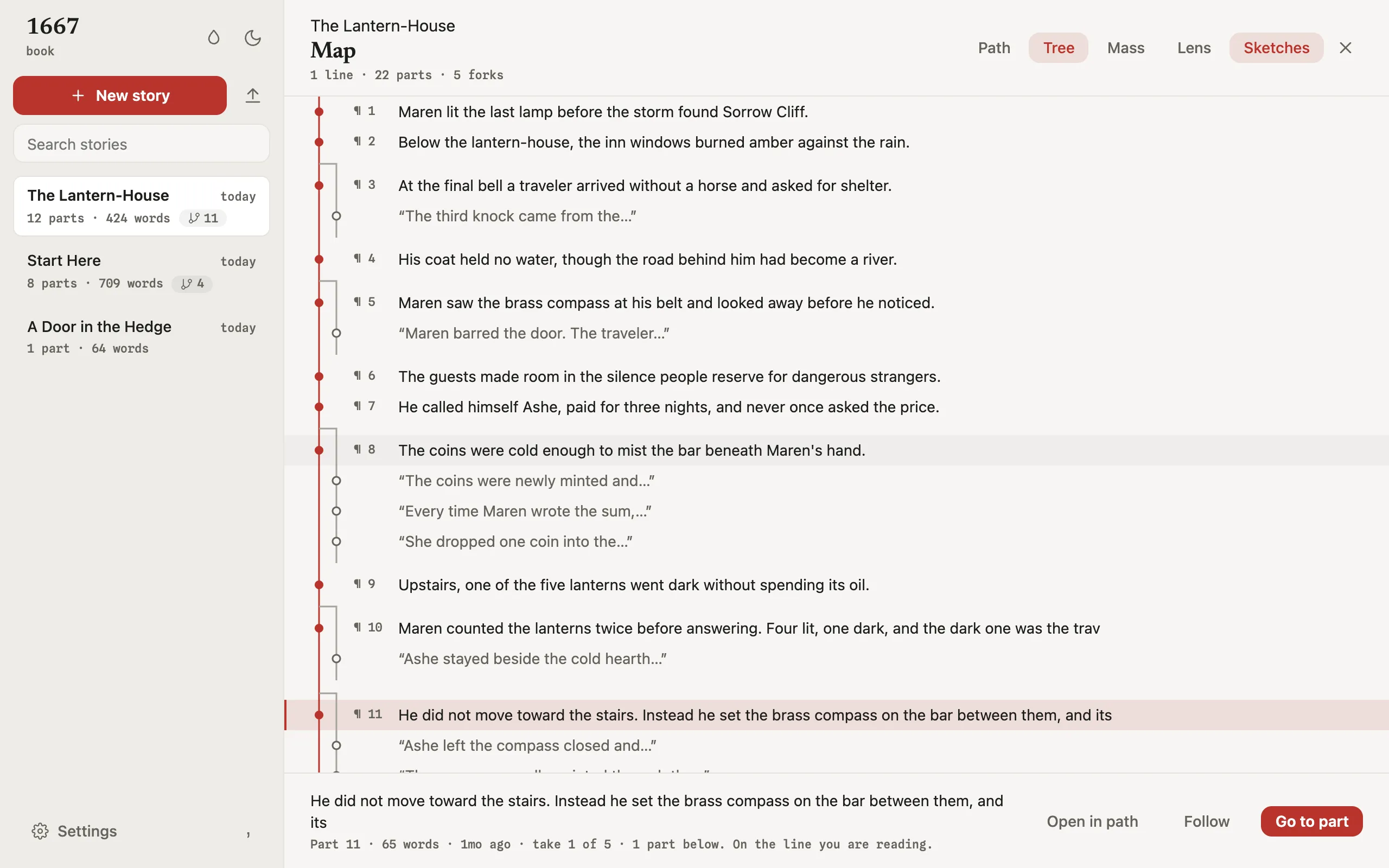
Press m to open the map, and m again to change the view. Press a to show the sketches beside the story line. Press Enter on a take to select the story line through it.
- pathRead the selected story line from start to finish, one row per part.
- treeSee where the story branches. Press l to follow the line through a take.
- massCompare story lines by size. Press s to change the sort order.
04 / Privacy
Only this computer can open it
Your stories stay in your project folder. The page and the program that serves it both run on your computer.
1667 web has no analytics, telemetry, crash reporter, or install ID, the same as the terminal app. Model requests go to the provider you choose in Settings.
Do not share the address with the token. Anyone who has it can read and change your stories.
- address127.0.0.1 only. Other computers cannot reach it.
- tokenIn the URL fragment, which the browser does not send to the server. The page removes it from the address bar.
- each runA new token. Open the new address after a restart.
- refusedA request with no token, a wrong Host header, or a foreign Origin header.
- API keysStored on this computer. The page never shows a saved key.
- accountNot required.
05 / Palettes
Four palettes, light or dark
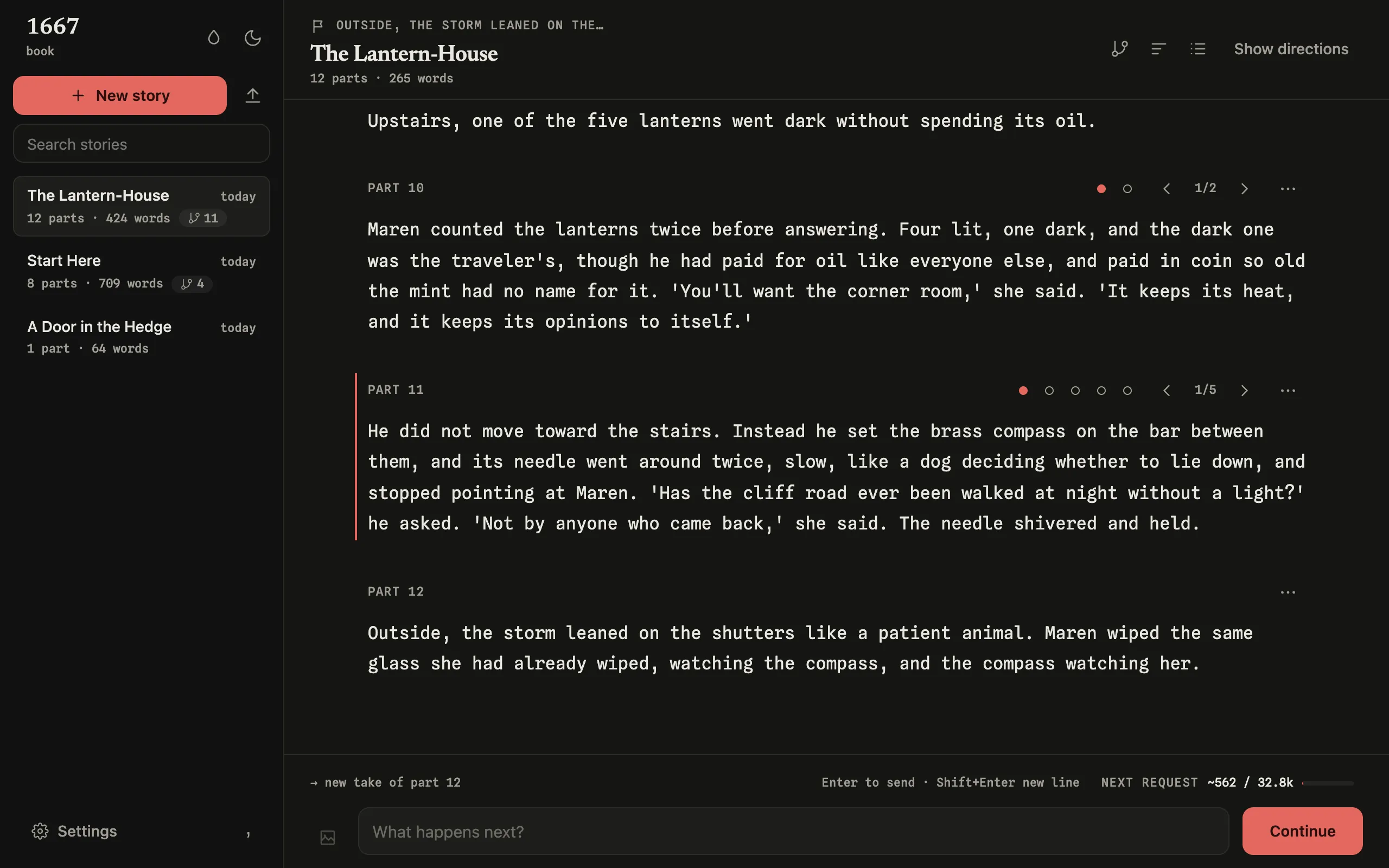
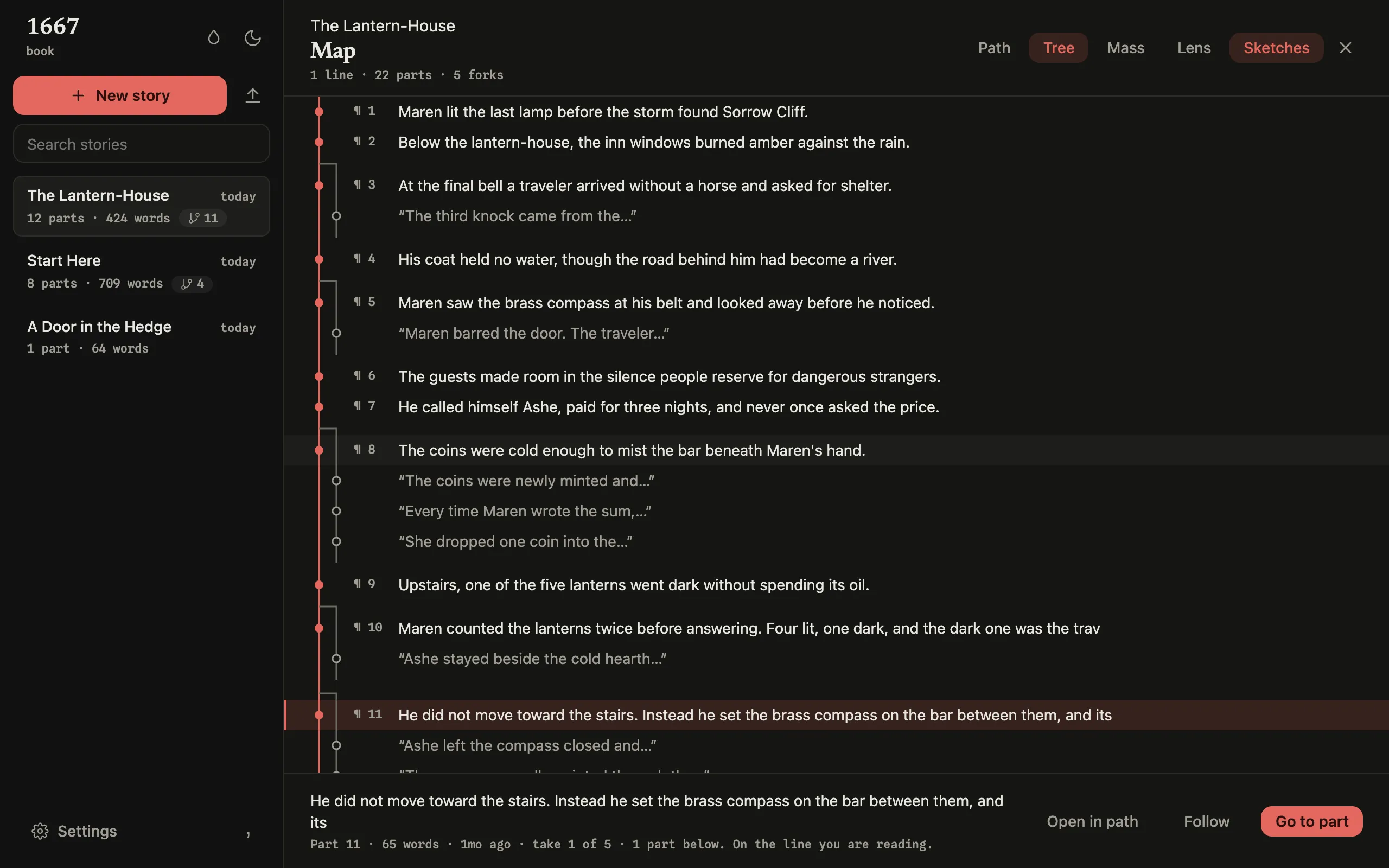
Choose a palette and a mode in the Library. The web UI remembers both in this browser. Switch this page between light and dark to see the other mode.
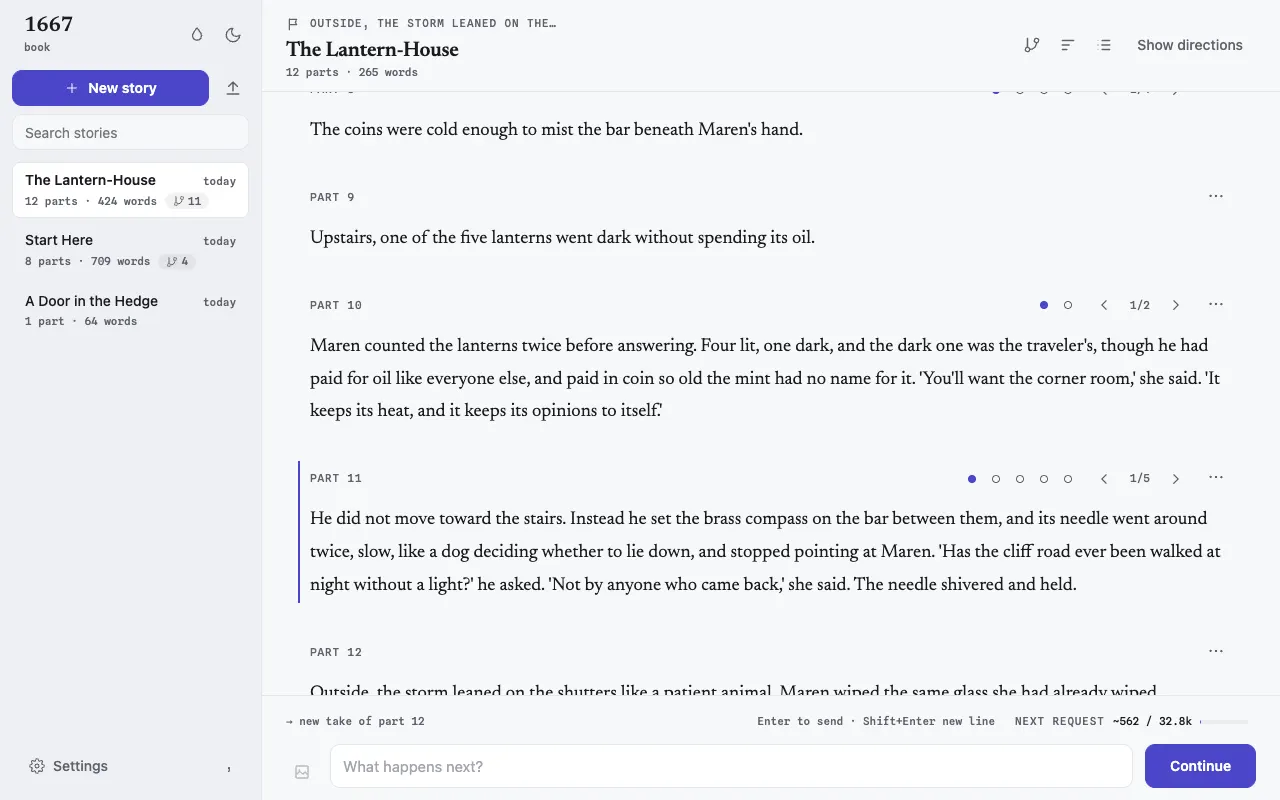
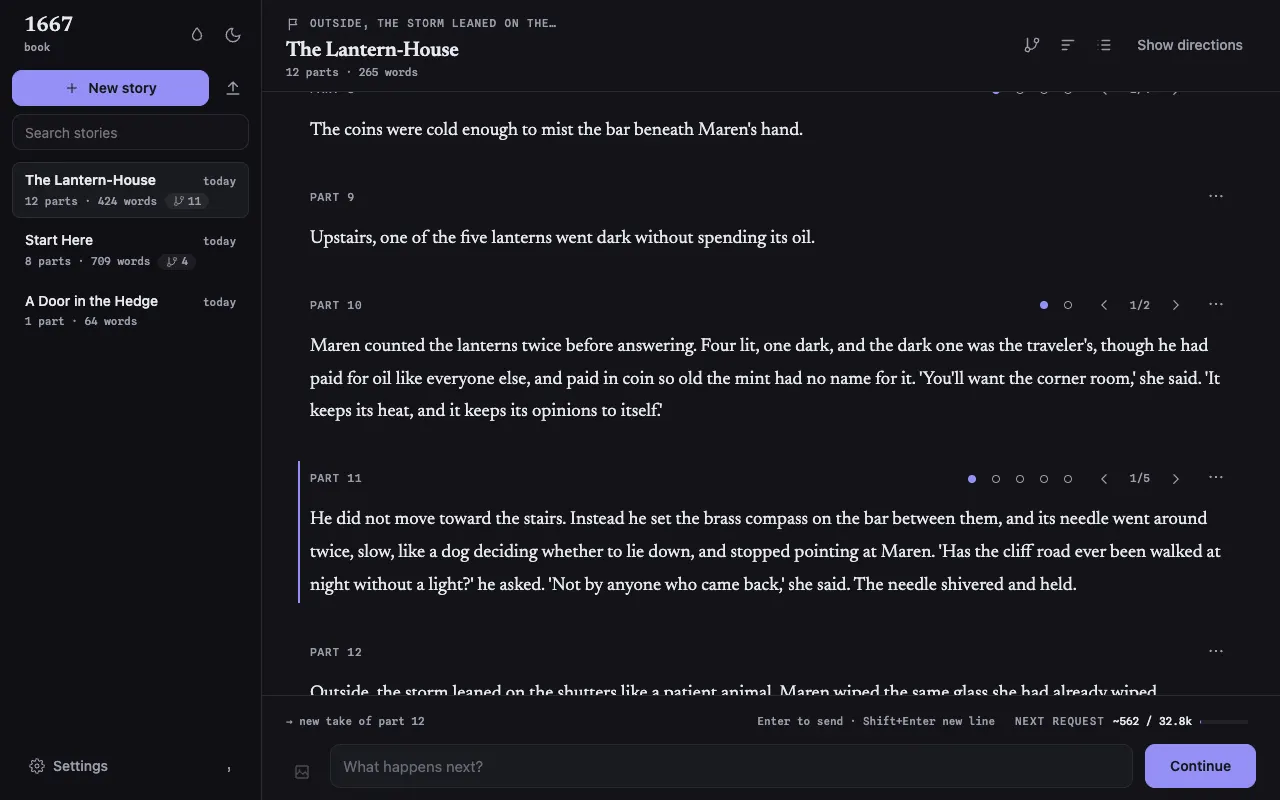
Ink
cool neutral · indigo
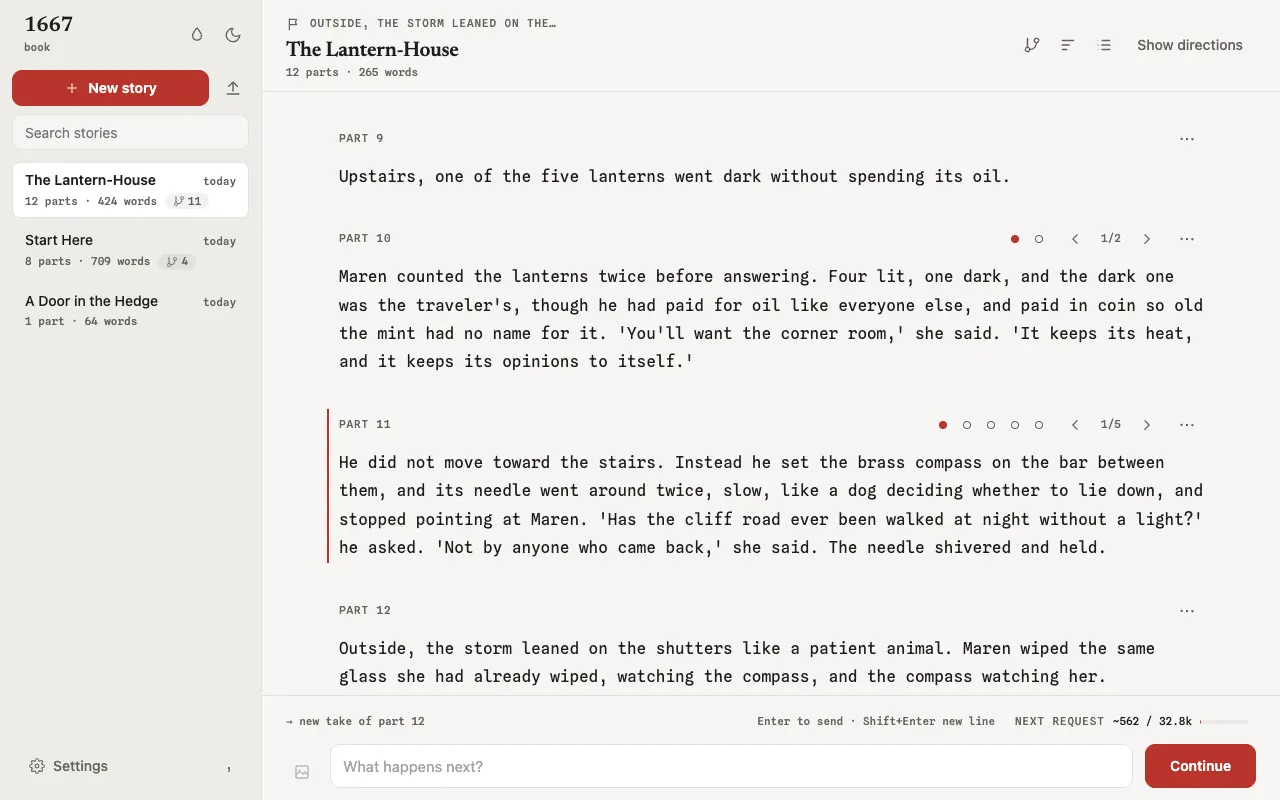
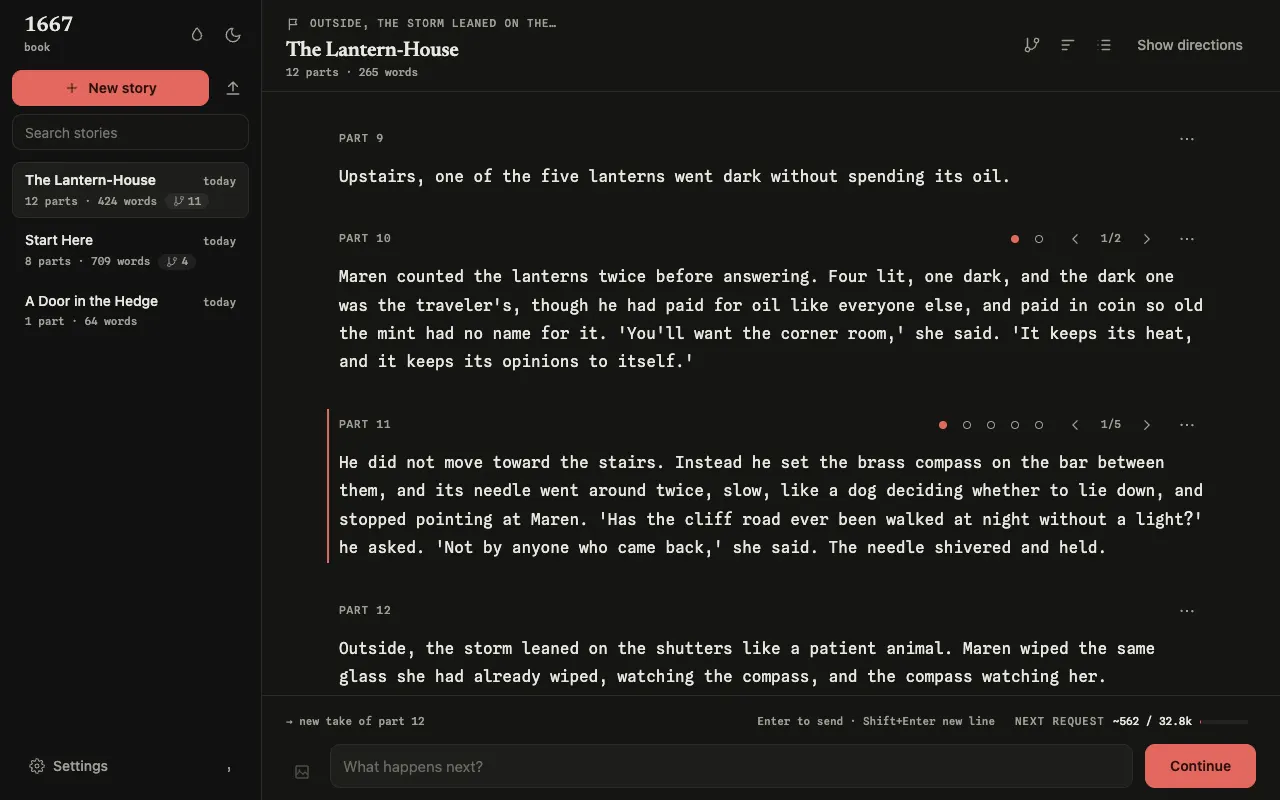
Typewriter
grayscale · ribbon red · mono
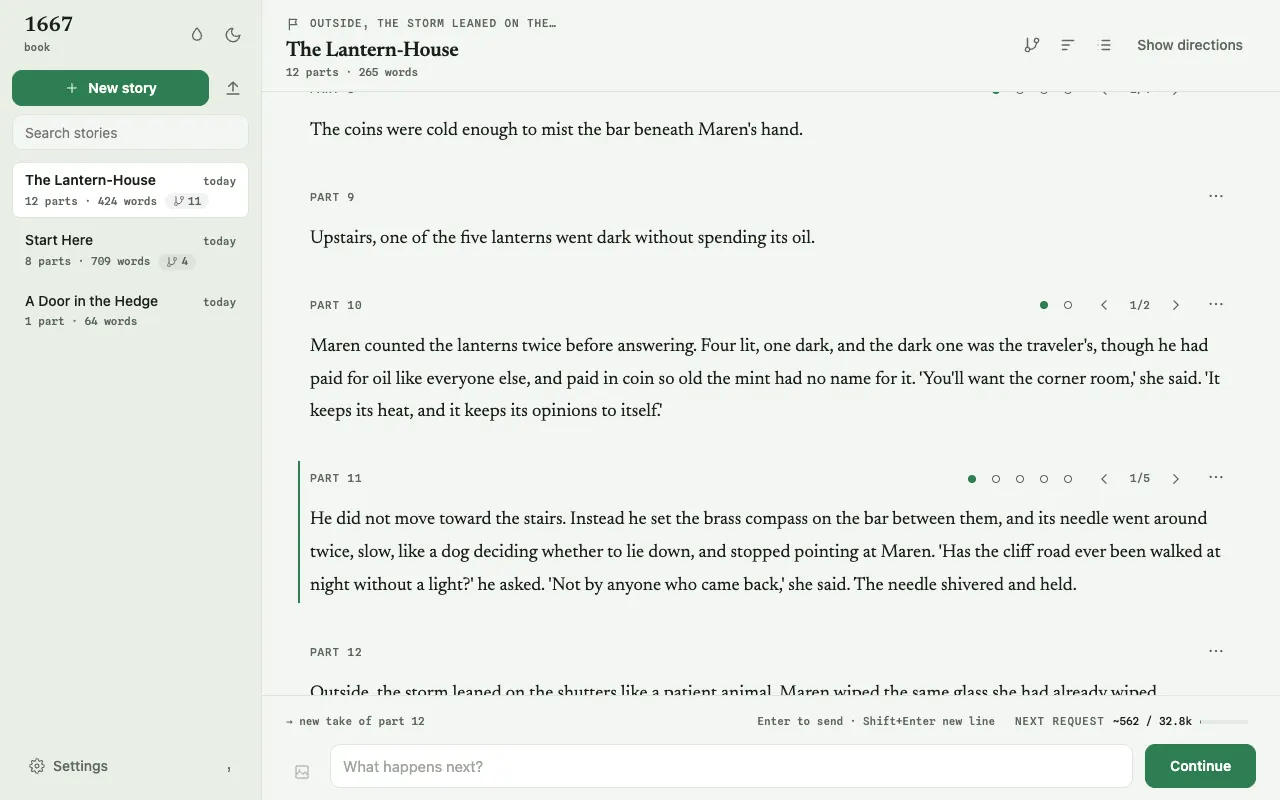
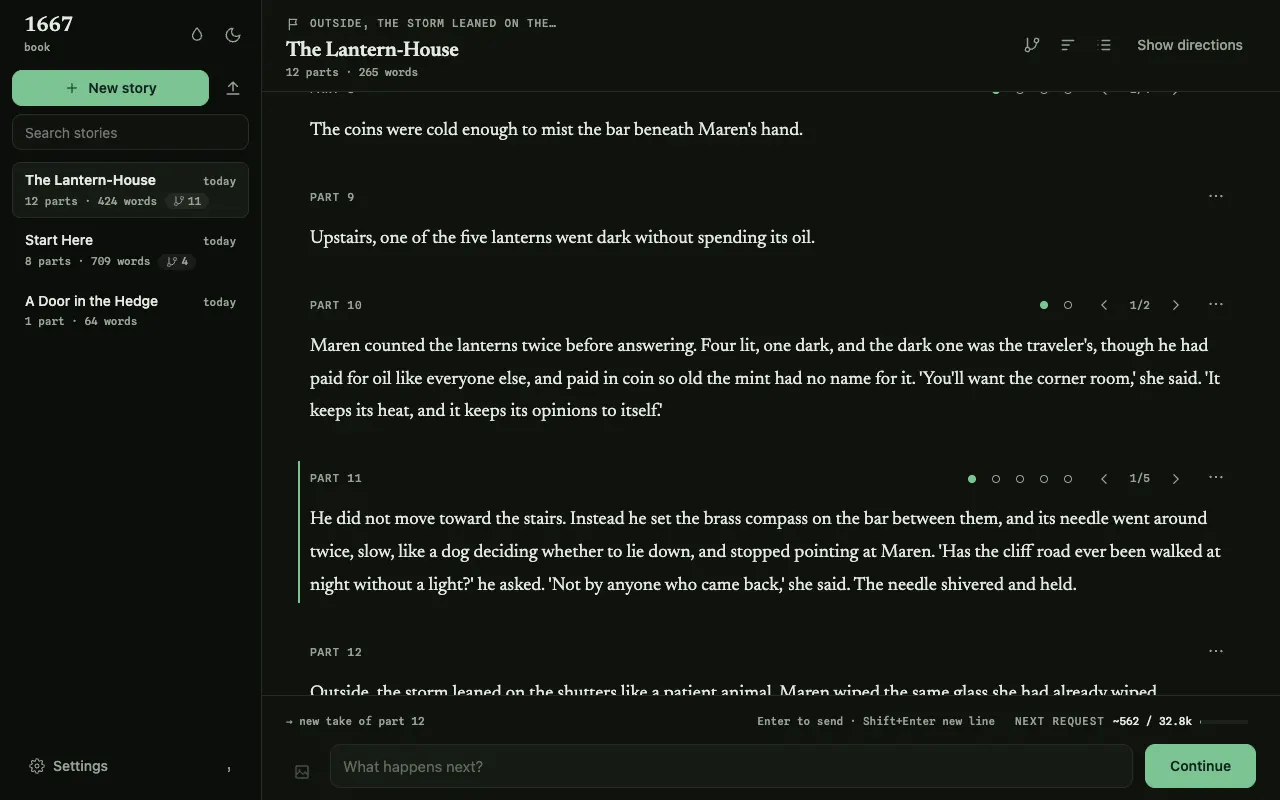
Grove
botanical · deep green
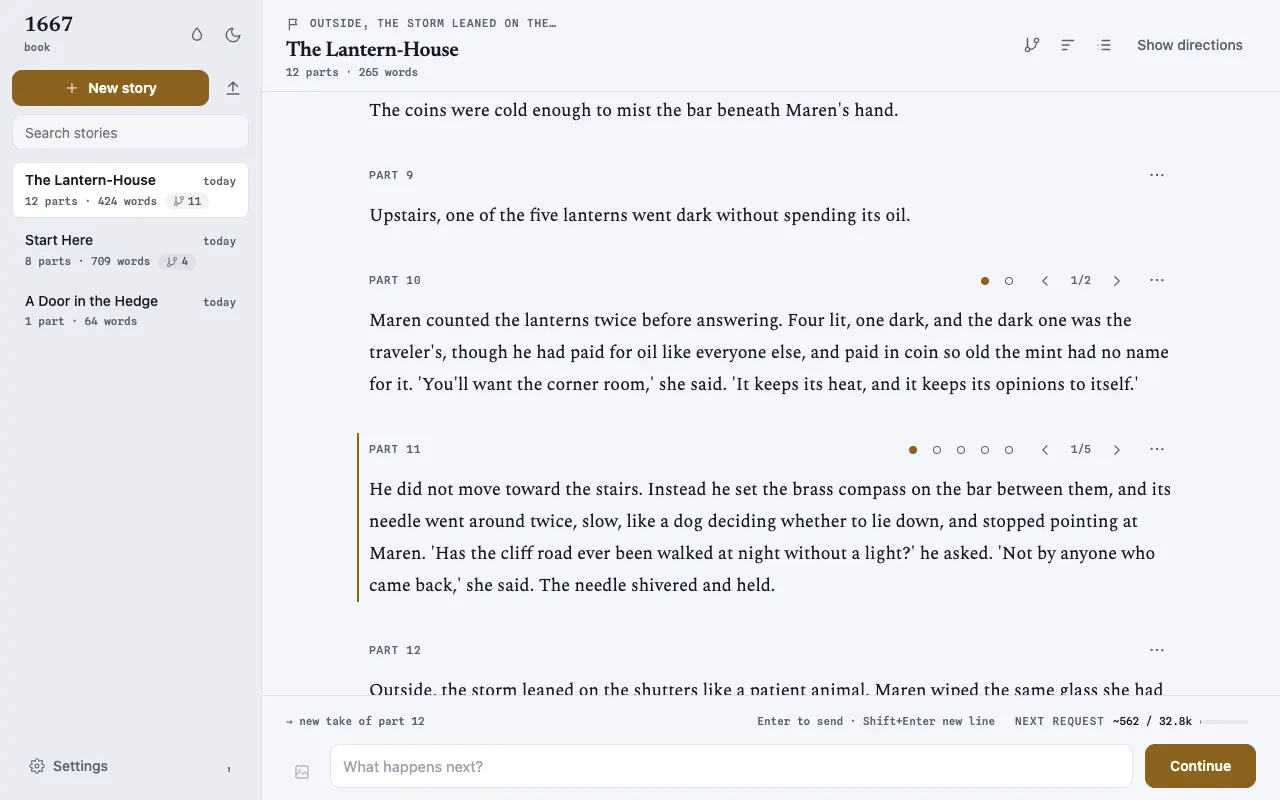
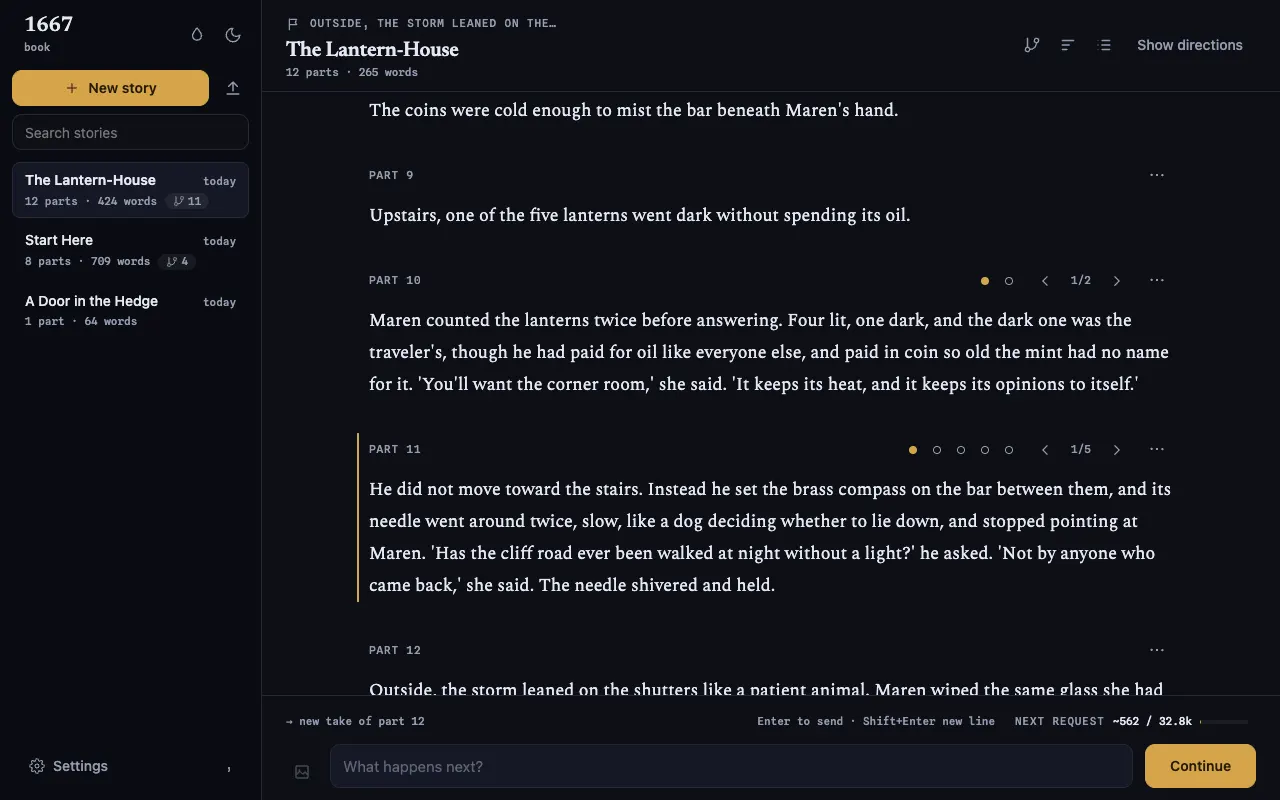
Nocturne
blue-black · gilt
06 / One project
The same folder as the terminal app
The web UI and the terminal app open the same project folder. While 1667 web runs, it holds the project lock, so the terminal app cannot open that project. Press Ctrl+C to switch back.
Both keep one reading position for each story. The one you start second opens the story where the first one left it.
To export, choose "export markdown" in the command palette. The browser downloads the selected story line as a Markdown file.
Import: click Import or drop a file
.mda new story.jsonla new story from a SillyTavern chat · SillyTavern guide.story, .scenarioa new story from a NovelAI archive · NovelAI guidecharacter cardFacts in the open story, from the command palette
The web UI refuses a file above 20 MB.
07 / FAQ
Common questions
Can I write on 1667.ai?
No. 1667.ai has no editor and keeps no stories. Install 1667, then run 1667 web on your computer. The page you write in comes from that program.
Can I open it from my phone or another computer?
No. The web UI listens on 127.0.0.1 only. Only the computer that runs 1667 web can open it.
Do I still need the terminal?
Once per session. Run 1667 web in a terminal and leave it open while you write in the browser. Press Ctrl+C there to stop.
Can I use the terminal app at the same time?
Not on the same project. 1667 web holds the project lock while it runs. Stop it with Ctrl+C, then start the terminal app. Both open each story at the same reading position.
Do I need a model?
No. Press w to type a take yourself. Connect a provider in Settings when you want generated prose.
Can I sign in to a subscription plan in the page?
No. The web UI cannot sign in to a subscription plan. Run 1667 auth login in a terminal.
What does it cost?
1667 web is part of 1667, which is free. You pay your model provider directly, or nothing for a model on your own computer.
curl -fsSL https://1667.ai/install.sh | shInstalls 1667 0.11.1. Supports macOS arm64/x64 and glibc 2.17+ Linux arm64/x64. Run 1667 upgrade for later managed releases.
powershell -ExecutionPolicy Bypass -c "irm https://1667.ai/install.ps1 | iex"Installs 1667 0.11.1 on Windows x64. Exit 1667 and run this command again to install a later release.
npm install --global @1667-ai/cli@latestNeeds Node 22. npm manages this installation. Use npm to install later releases.
git clone https://github.com/1667-ai/1667.gitcd 1667 && npm cicd tui && bun install --frozen-lockfile && bun startNeeds Bun 1.3.14 or later, and Node 22. Git manages this installation.
verify the installer first
This optional path needs GitHub CLI. It verifies version 0.11.1 before it runs the local file.
d=$(mktemp -d) && (trap 'rm -rf "$d"' EXIT && cd "$d" && gh release download v0.11.1 --repo github.com/1667-ai/1667 --pattern install-stable.sh && gh attestation verify install-stable.sh --hostname github.com --repo 1667-ai/1667 --signer-workflow 1667-ai/1667/.github/workflows/release-npm.yml --source-ref refs/tags/v0.11.1 --source-digest 711b3dc41a366169a8791c369177e514162cc695 --deny-self-hosted-runners && sh install-stable.sh)$d=Join-Path ([IO.Path]::GetTempPath()) ([Guid]::NewGuid()); New-Item -ItemType Directory -Path $d | Out-Null; try { gh release download v0.11.1 --repo 1667-ai/1667 --pattern install-stable.ps1 --dir $d; if ($LASTEXITCODE -ne 0) { throw 'GitHub release download failed.' }; gh attestation verify (Join-Path $d 'install-stable.ps1') --hostname github.com --repo 1667-ai/1667 --signer-workflow 1667-ai/1667/.github/workflows/release-npm.yml --source-ref refs/tags/v0.11.1 --source-digest 711b3dc41a366169a8791c369177e514162cc695 --deny-self-hosted-runners; if ($LASTEXITCODE -ne 0) { throw 'GitHub attestation verification failed.' }; powershell -ExecutionPolicy Bypass -File (Join-Path $d 'install-stable.ps1'); if ($LASTEXITCODE -ne 0) { throw '1667 install failed.' } } finally { Remove-Item -LiteralPath $d -Recurse -Force }